

QueenPilot for distributors
The wholesale platform for beauty distributors and brands
Your catalogue, orders, warehouse, invoices and online shop in one place, connected to the salons that already run on QueenPilot. Salons order straight from their cabinet, and you find new ones on the map.
How salons order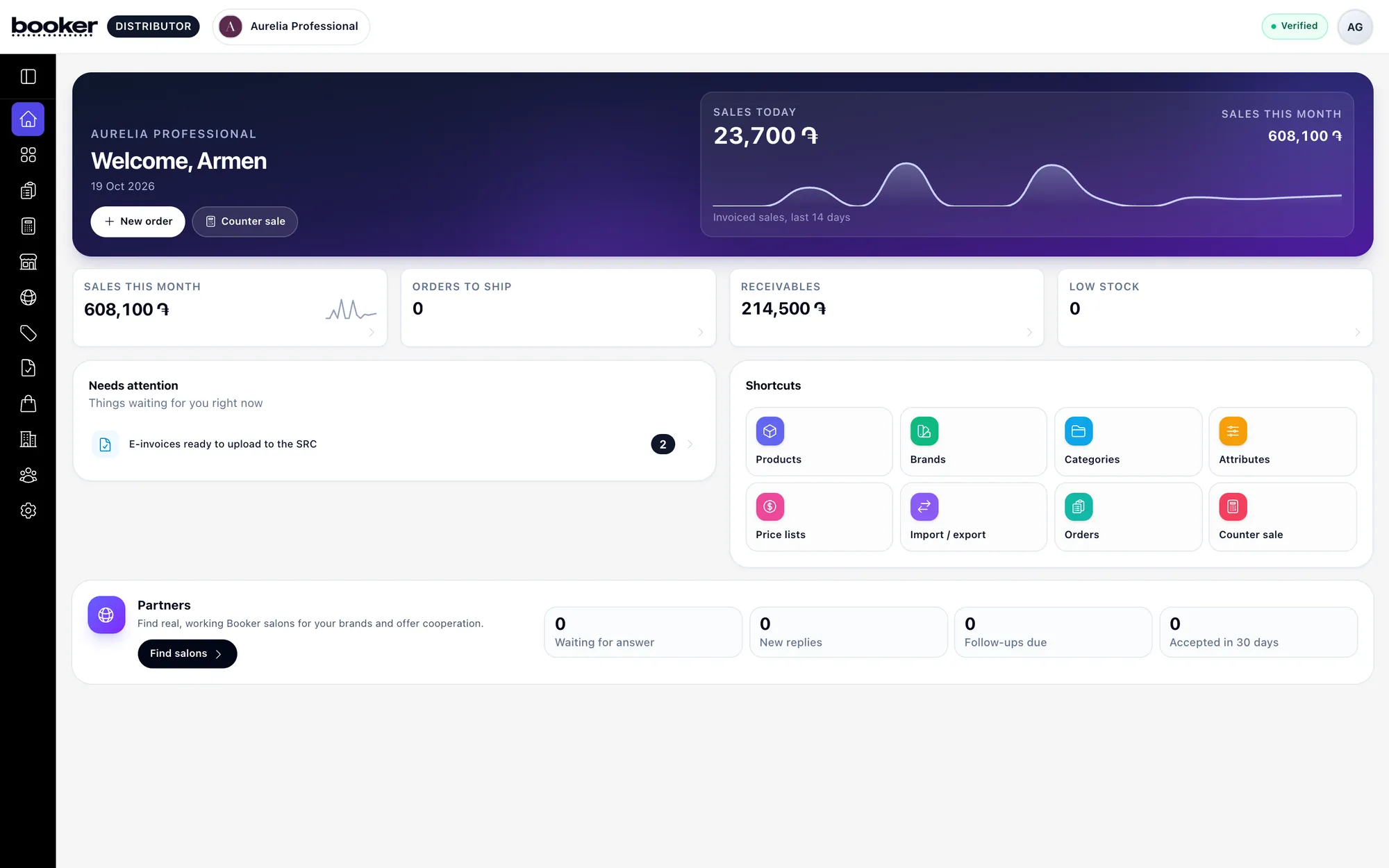
- Orders from salon cabinetsSalons order at their wholesale prices, themselves or from team carts they approve.
- Straight into their stockDelivered goods are added to the salon's stockroom, so reorders come back on time.
- Find new salonsBrowse verified salons by type and area, see who stocks your brands, and send offers.
Catalogue and orders
Your wholesale business in one place
Catalogue, orders, shipments and a warehouse with lots and expiry dates.
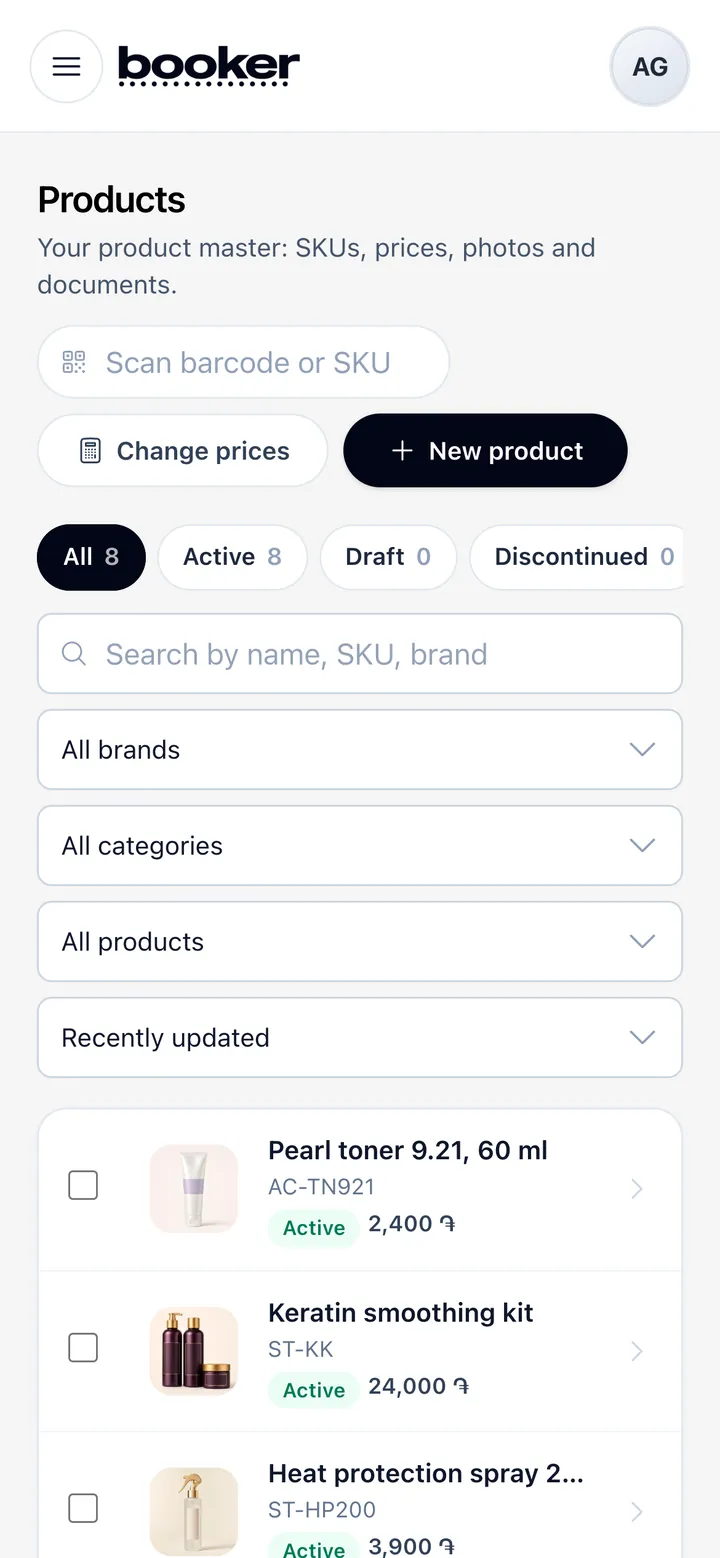
A catalogue built for professionals
Products with SKUs, shades and sizes, brands, categories and attributes, photos and documents, professional-only items and shade cards. Price lists for each customer group set the wholesale price every salon sees.
MoreLess
Import a whole catalogue from a spreadsheet with column mapping and a change log you can roll back, export it again any time, and translate names and descriptions into Armenian, Russian and English in one tap.

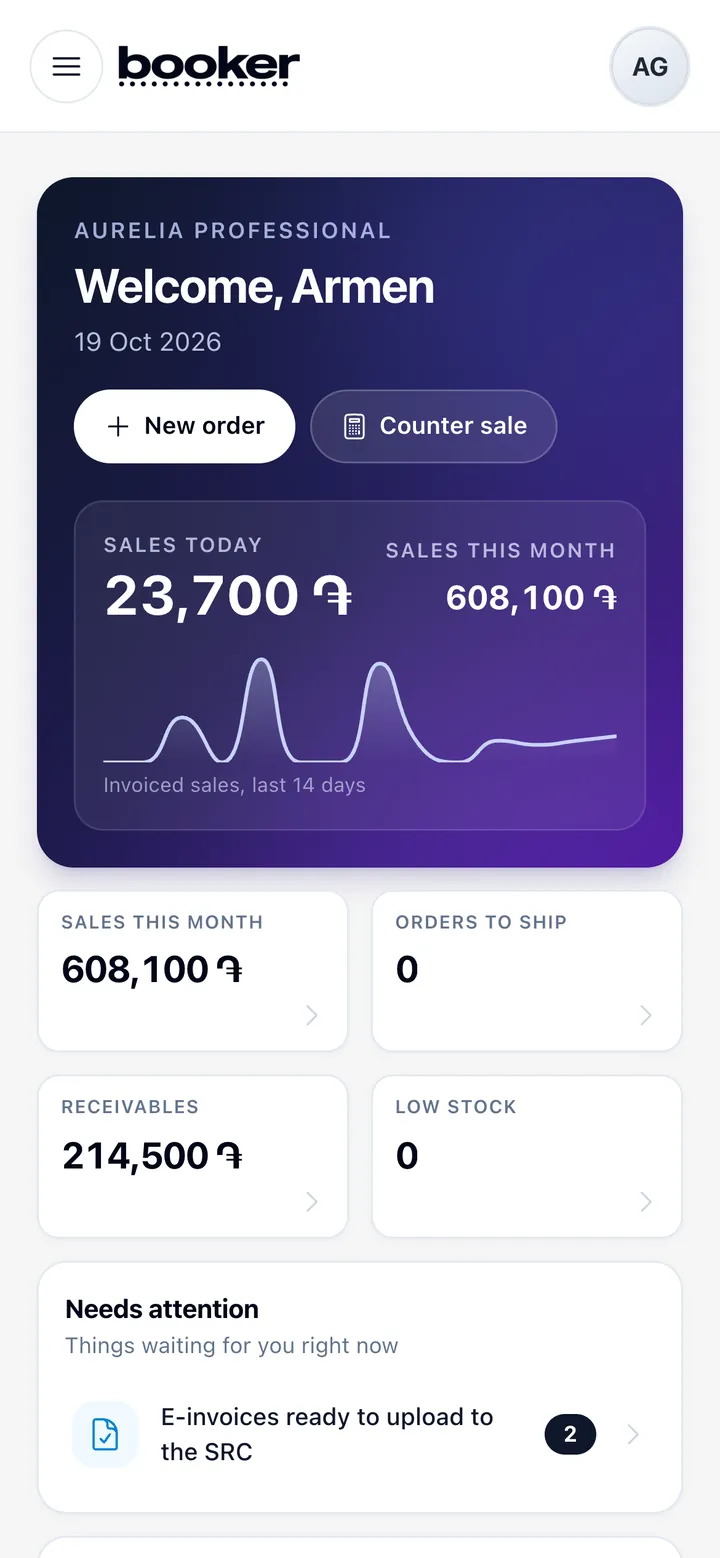
Your wholesale business at a glance
The overview shows today's orders to confirm and ship, sales and money owed, what is running low and new requests from salons, with a tap through to each list.
MoreLess
Roles for owners, managers, sales reps, warehouse staff, accountants and cashiers keep every person to the part of the business they work on.
Orders, shipments and invoices
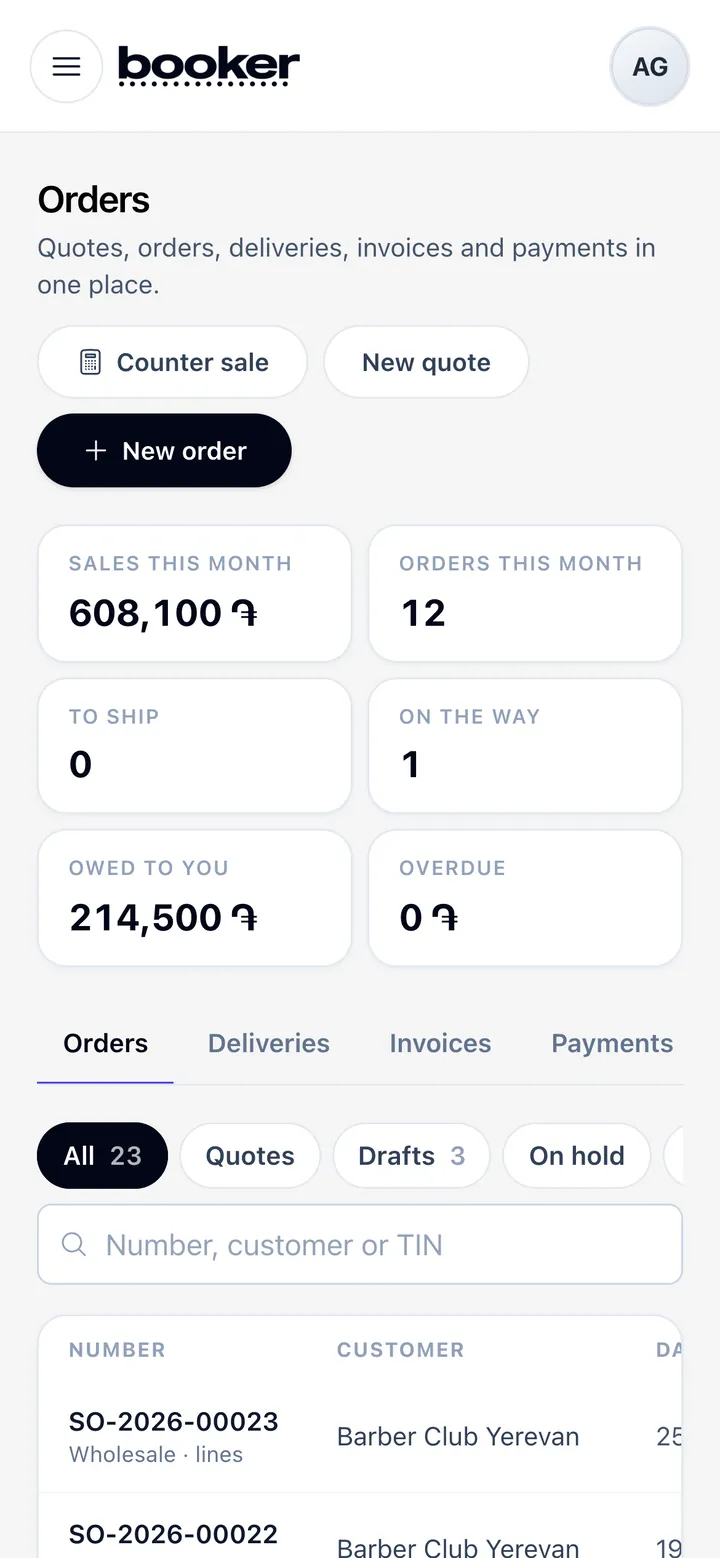
Orders arrive from salon cabinets, your online shop and your own team. Confirm, ship, mark as delivered, then issue the invoice and record payments; credit limits and payment terms hold an order for review when needed.
MoreLess
Receivables and ageing show who owes what and since when, and returns go back into stock in a few steps.

Warehouse with lots and expiry dates
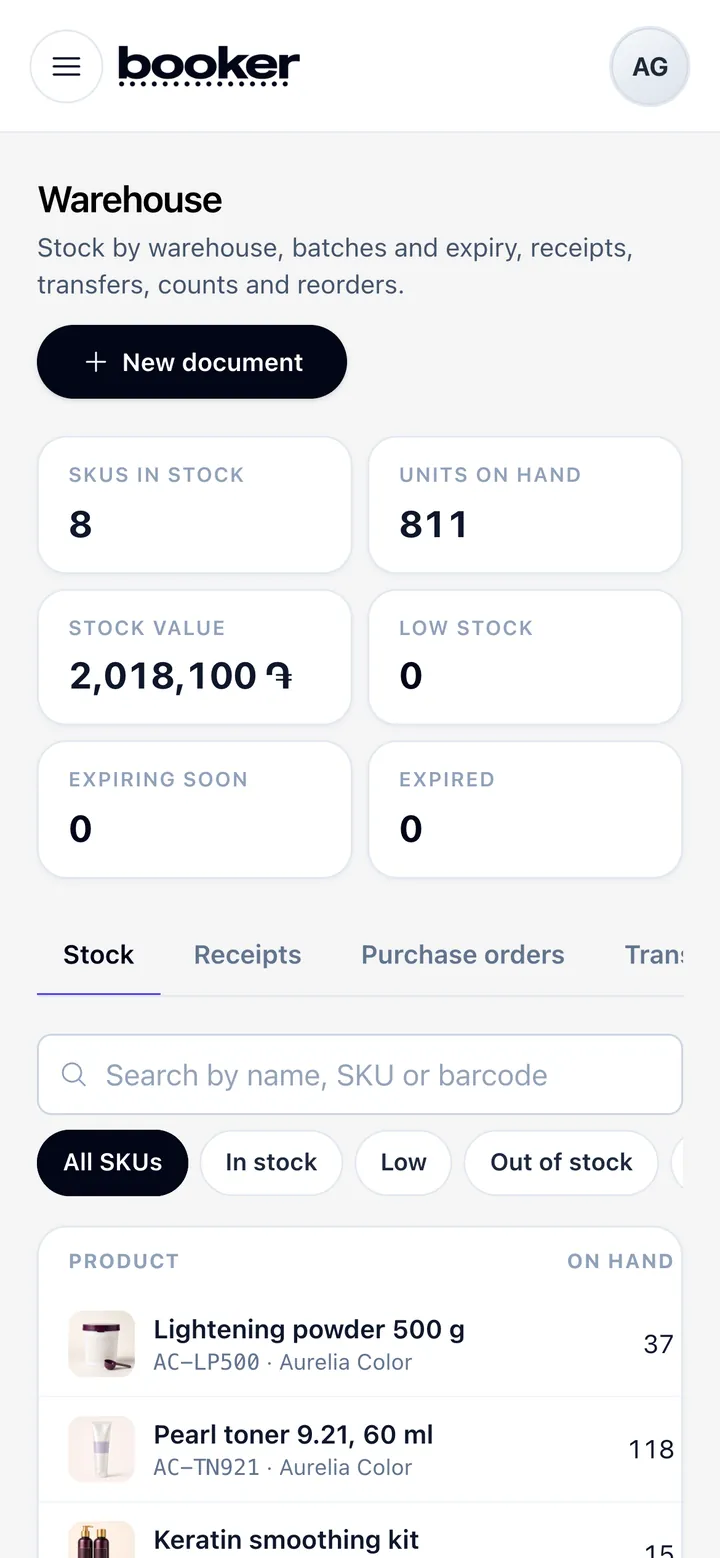
Stock for each warehouse with lots and expiry dates, goods receipts from suppliers, transfers, stock counts and write-offs, and a log of every movement.
MoreLess
Reorder suggestions become purchase orders to your suppliers, so popular products don't run out.
Connected to the salons
Sell where salons already work every day
Salons on QueenPilot manage their stock in the same place they run bookings. When you join, your catalogue sits right next to their stockroom: they reorder in a few taps, deliveries land in their stock, and you see every order the moment it is placed.
Find salons and send offers
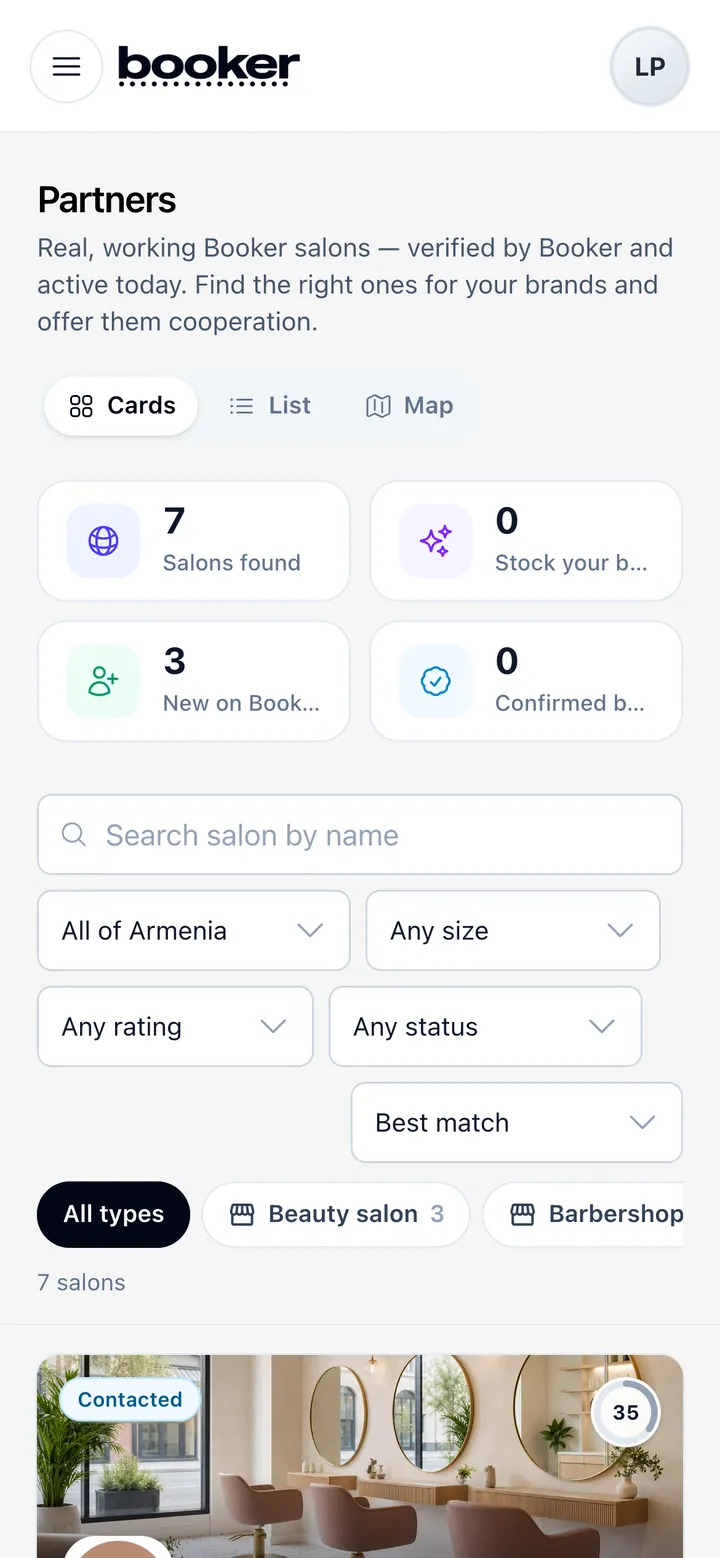
Discover verified salons on a map by type and area, see which ones already stock your brands, and send an offer: an intro discount, samples, training or a rep visit. Each offer has its own conversation, and an accepted one opens a trade account.
MoreLess
Follow leads in a pipeline and reuse your best offers as templates. Salons can opt out at any time, and their contacts stay private until they accept.

Salon customers and trade accounts
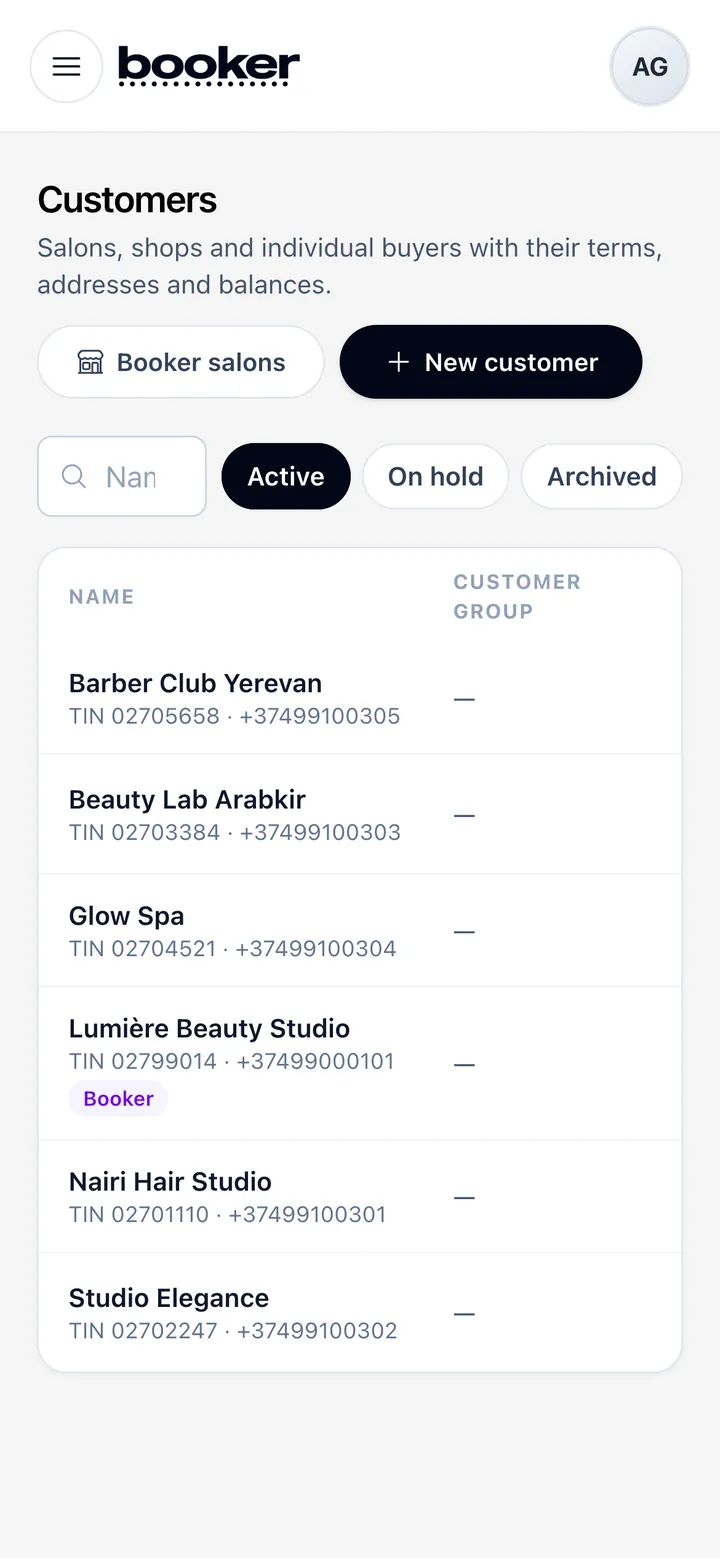
Salons request a trade account from their cabinet, and you approve it with a customer group, payment terms and a credit limit.
MoreLess
Every customer has a statement with orders, invoices and payments.
Customers who are not on QueenPilot can be added by hand and served the same way.
Promotions
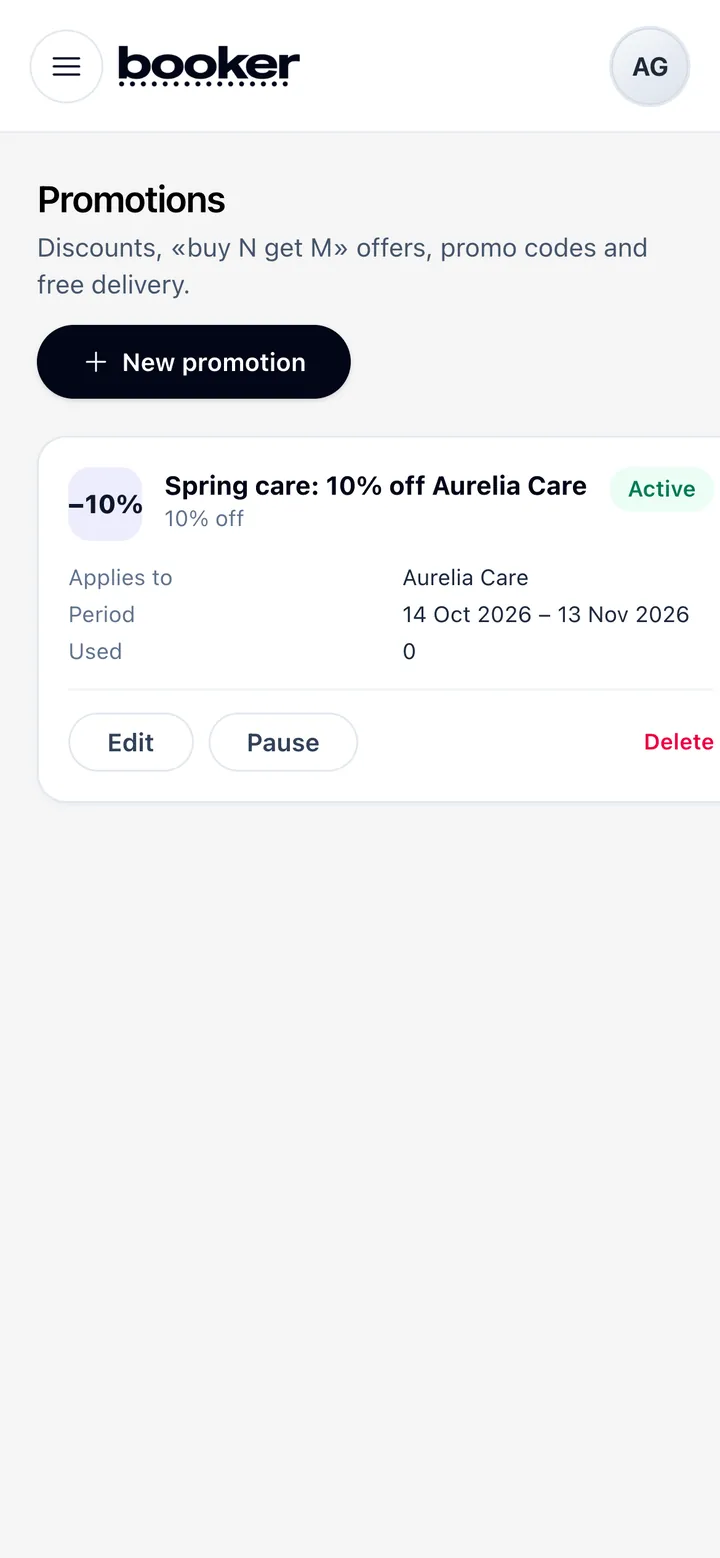
Percentage and fixed discounts, buy-X-get-Y and free delivery, for chosen brands, categories or products, customer groups and sales channels, with start and end dates.
Your online shop on QueenPilot
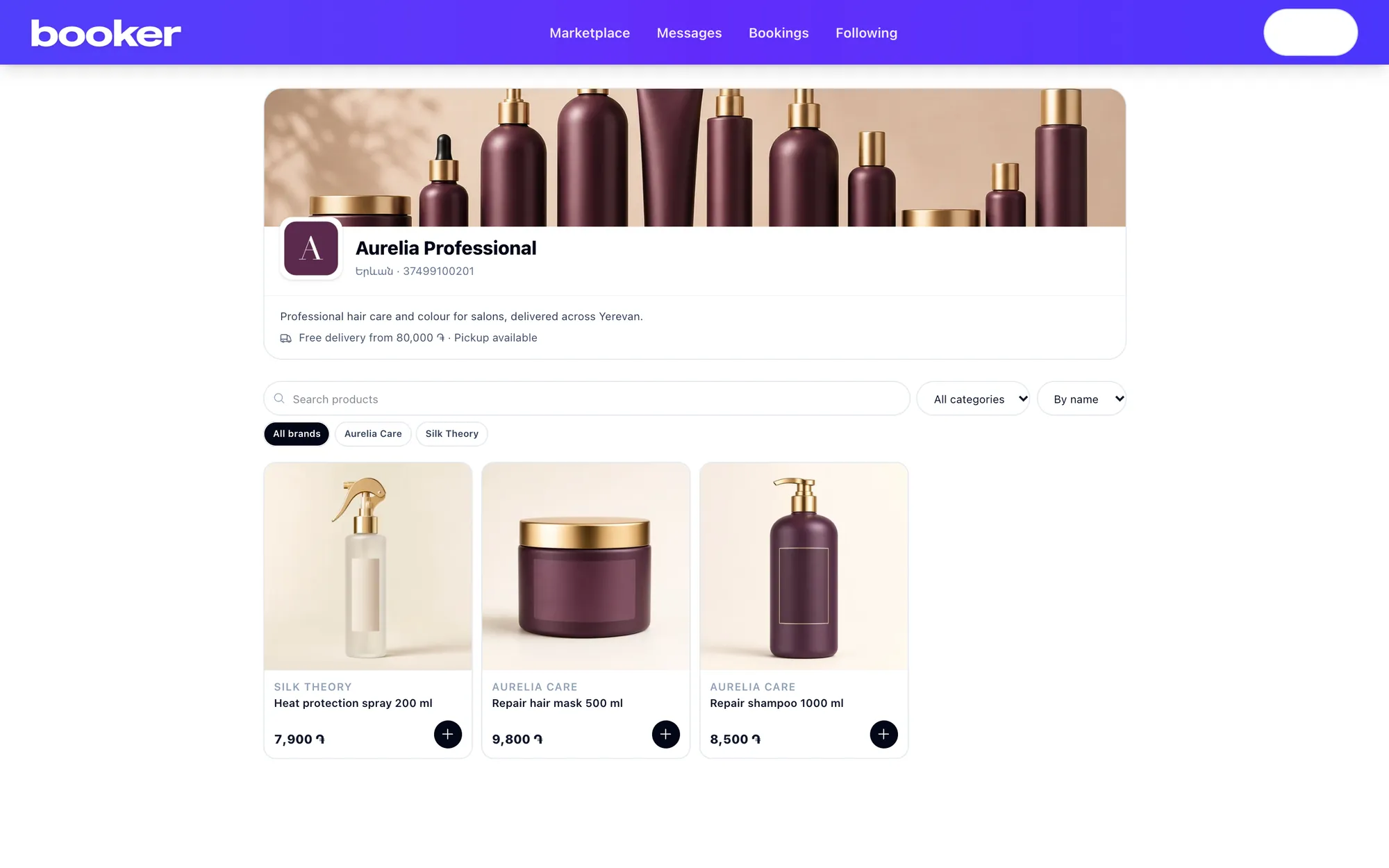
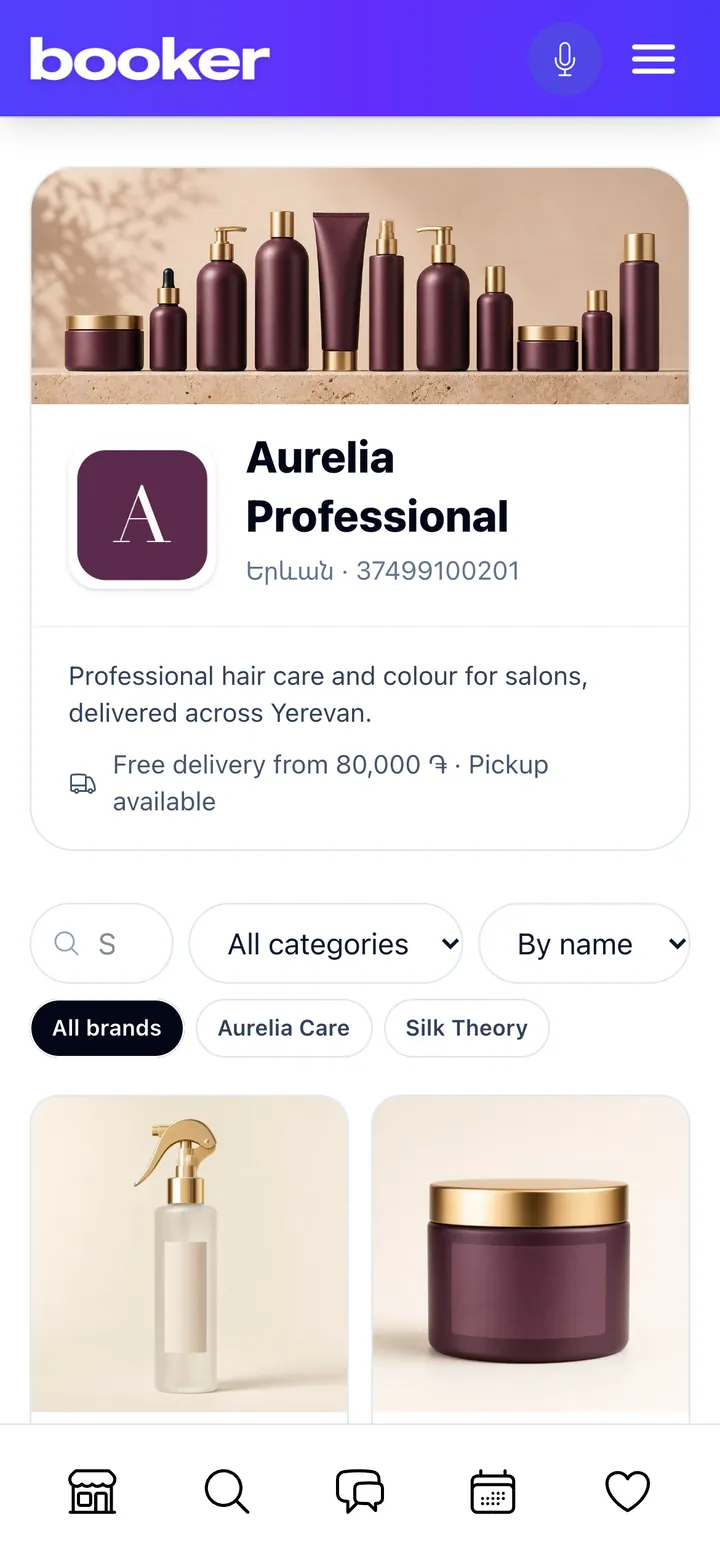
A public shop with your retail catalogue on QueenPilot, with delivery or pickup and cash on delivery or bank transfer. Shop orders land in the same order list as everything else.
Money and documents
Sales, invoices and numbers that add up
Counter sales, e-invoices, cash register, payroll and analytics.
Cash register, payroll and analytics
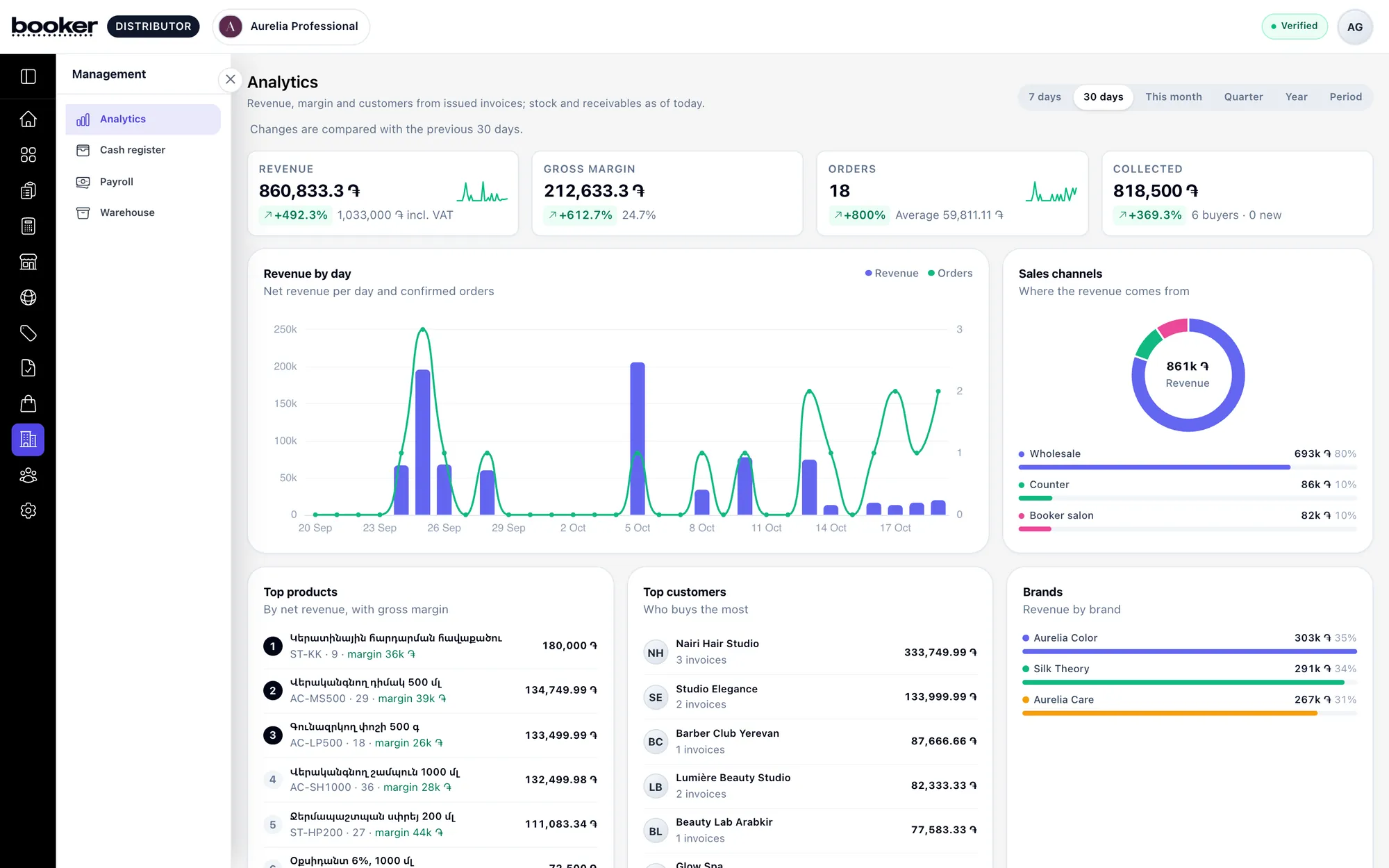
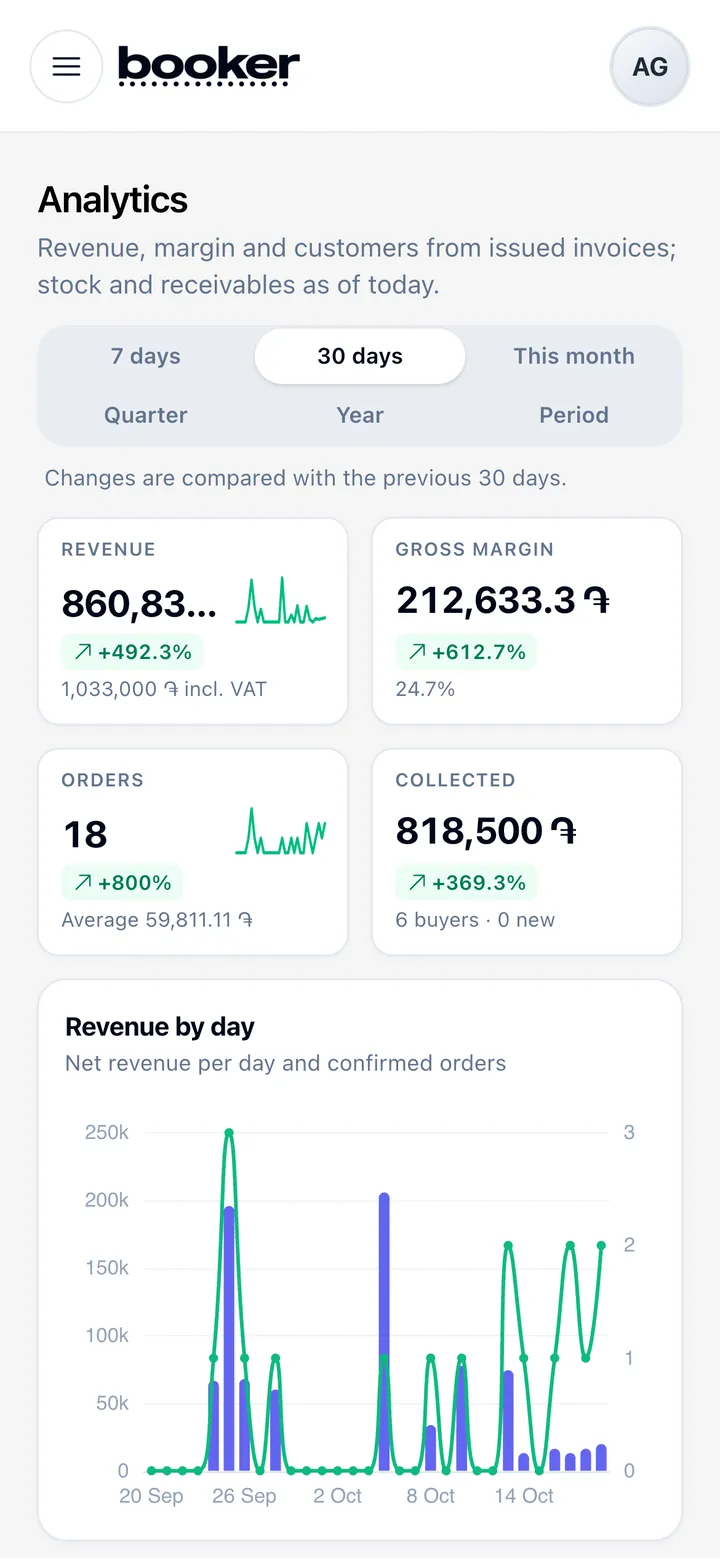
A cash register with shifts and categories, payroll with payslips, and analytics on sales, margin, top products, customers and sales reps.
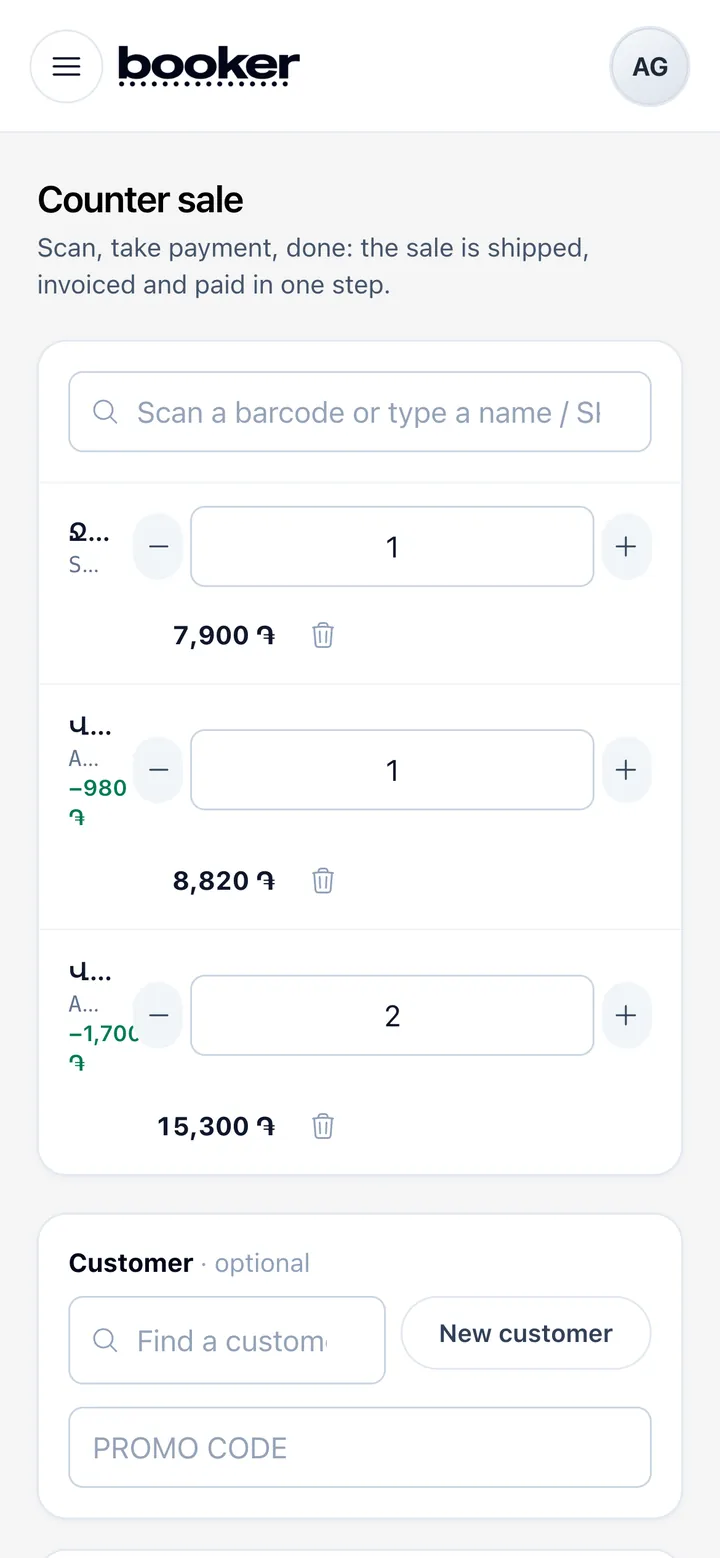
Counter sales
Sell at the counter in a few taps: pick products, apply a promo code and take cash, card or a transfer.
MoreLess
Stock and the cash register update at once.
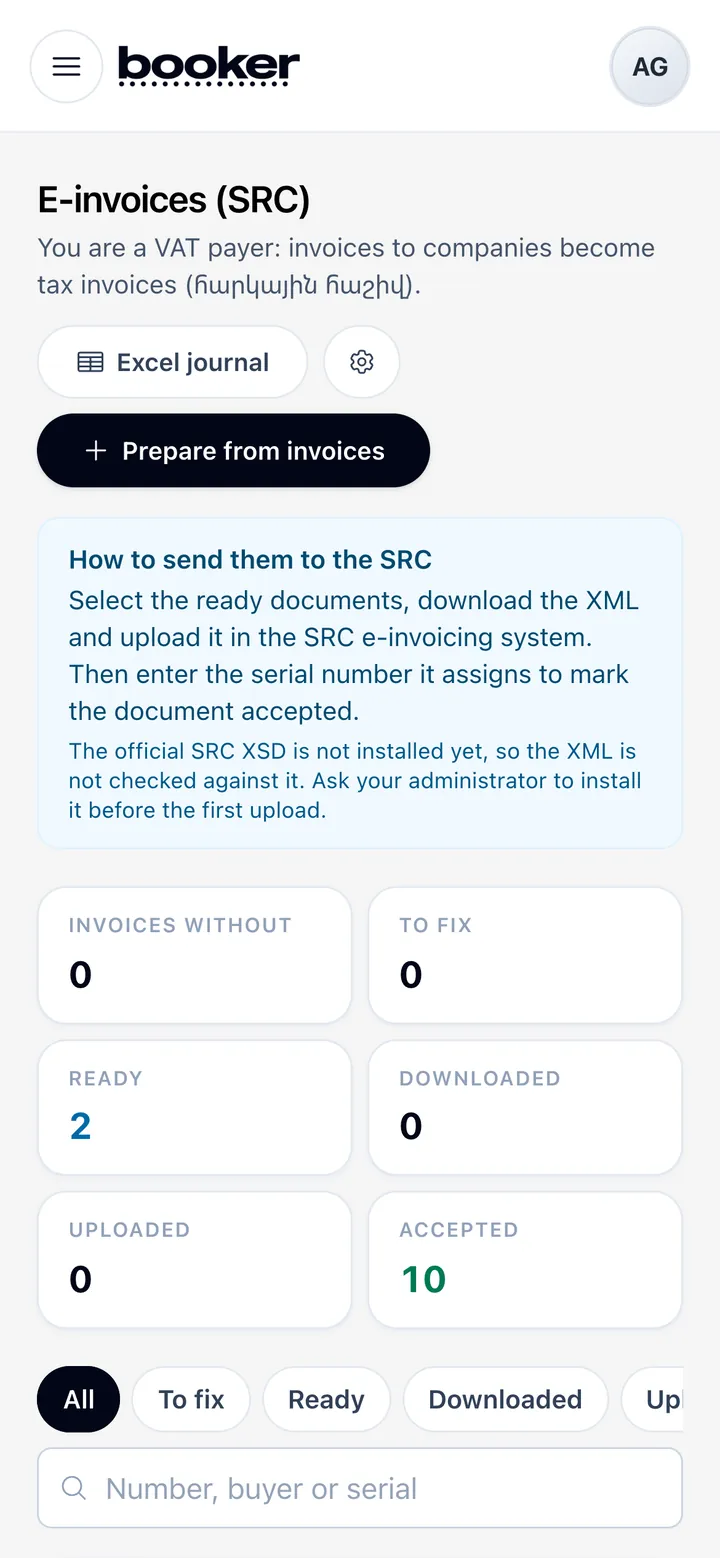
E-invoices
Prepare e-invoices from your invoices with the right transaction type and ADG codes, check them, and export the XML for the State Revenue Committee.
MoreLess
A journal keeps every document and its status.
Bring your brands to QueenPilot's salons
Create a distributor account, add your catalogue and start taking orders. QueenPilot checks every distributor before salons can see it.